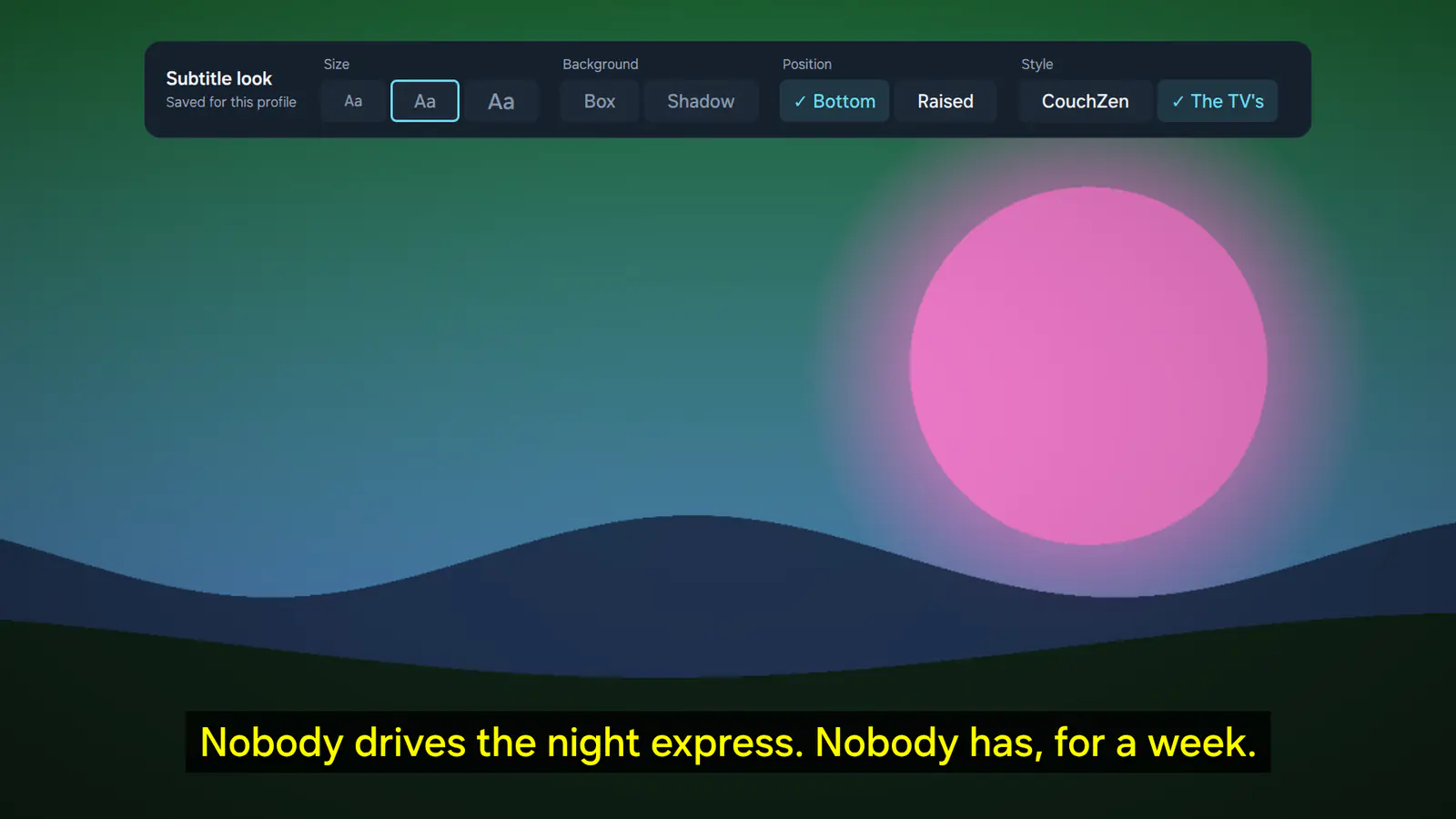
Subtitles your way
Size, background, position and style, kept per profile. Teletext and captions, two subtitles at once, and online subtitles when a film comes without.
The IPTV player · private beta
CouchZen is a calm, fast player for the IPTV service you already have. Sign in with Xtream Codes or an M3U playlist and get a proper TV guide, catch-up, posters for every film and subtitles your way, on every TV in your home.
No channels included: you bring your own service.
Point CouchZen at the subscription you already pay for. It brings the order, the pictures and the calm.
Server, username and password, exactly as your provider sent them.
A playlist address, with an XMLTV guide address if you have one.
Scan the code on the TV and type on your phone at my.couchzen.com, encrypted end to end.
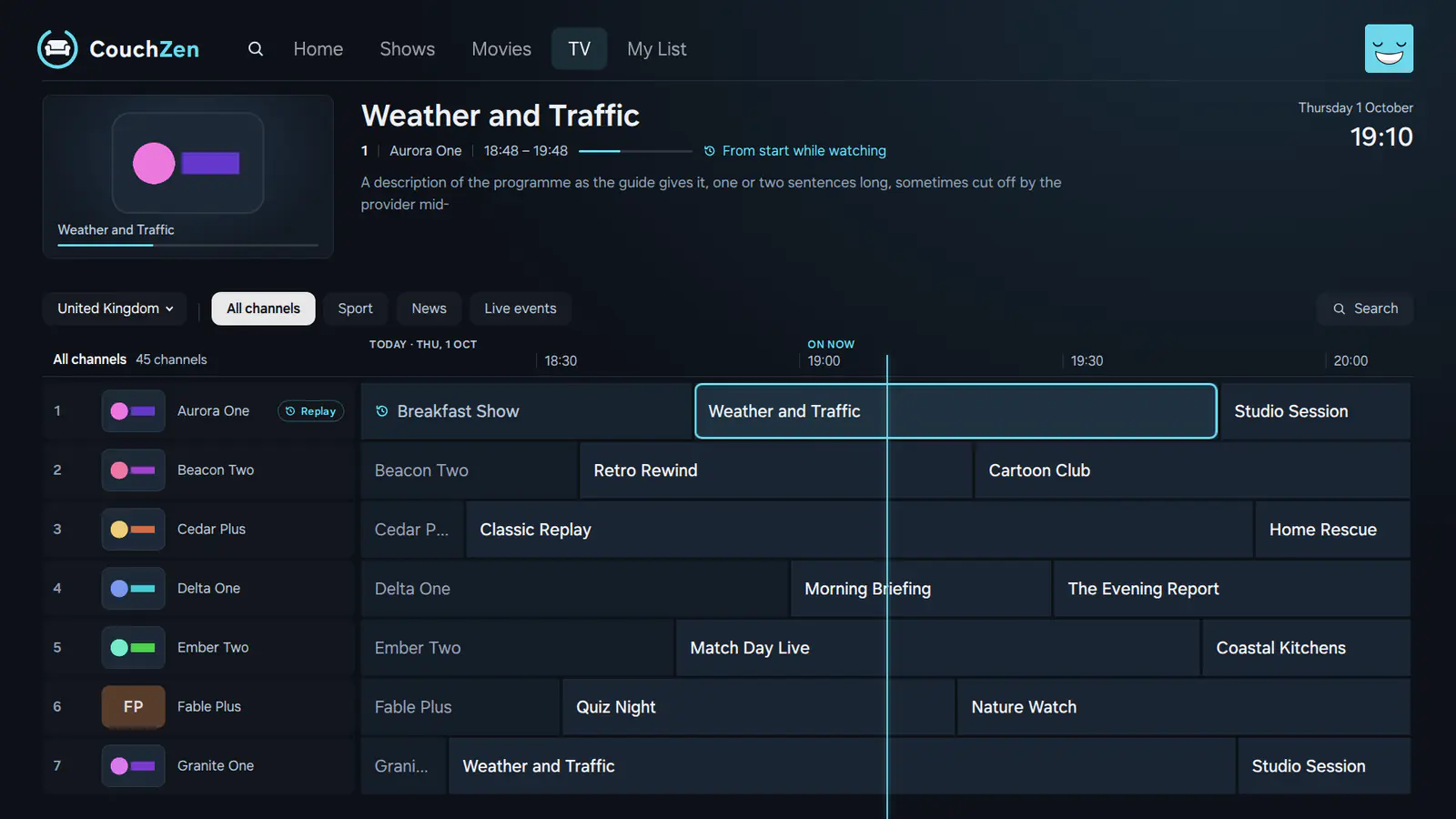
A guide you can read from the sofa, channels in a sensible order and a remote that does what you expect.
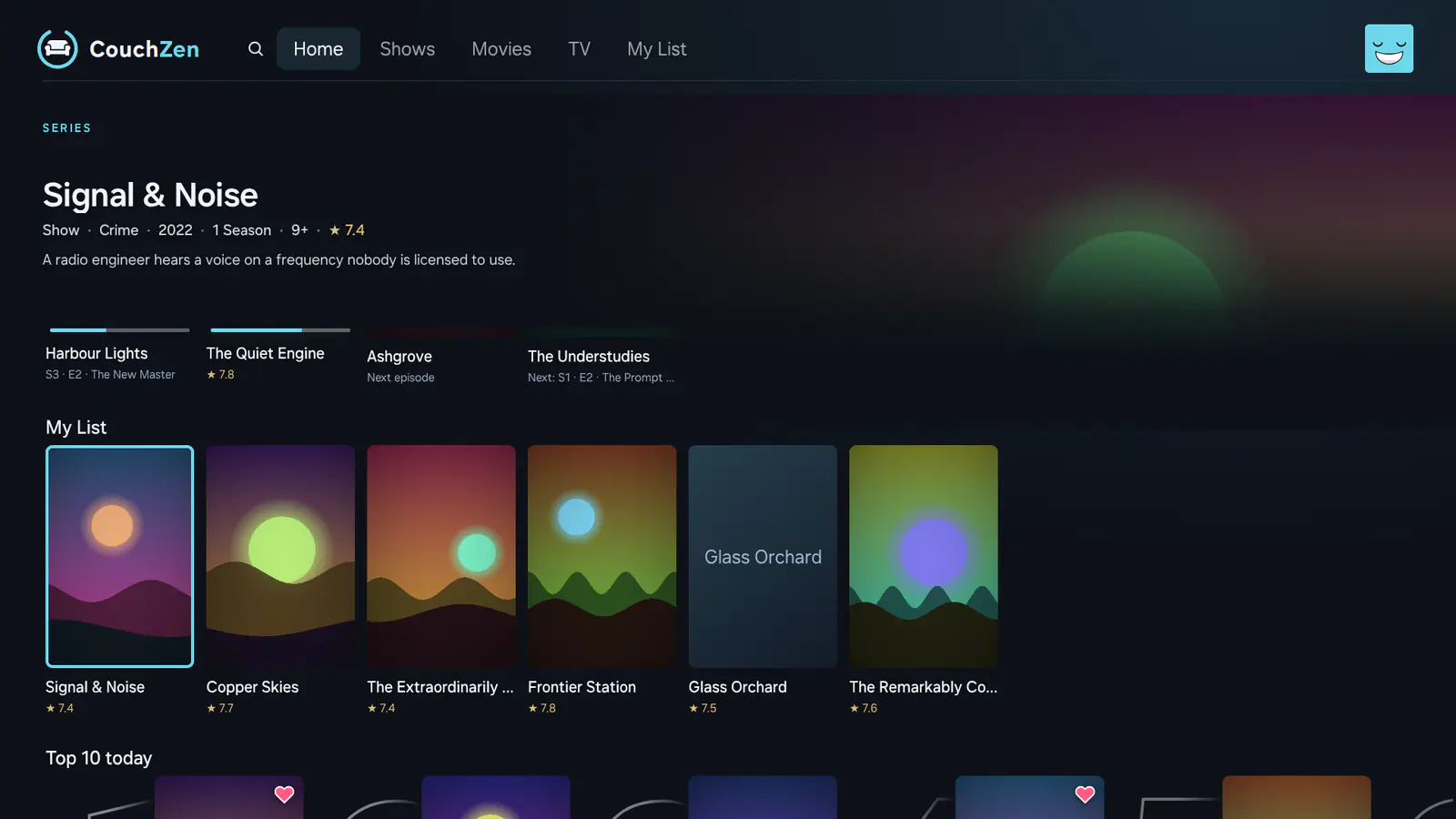
CouchZen matches your provider's films and series to posters and details, and lays them out in calm rows.
Size, background, position and style, kept per profile. Teletext and captions, two subtitles at once, and online subtitles when a film comes without.
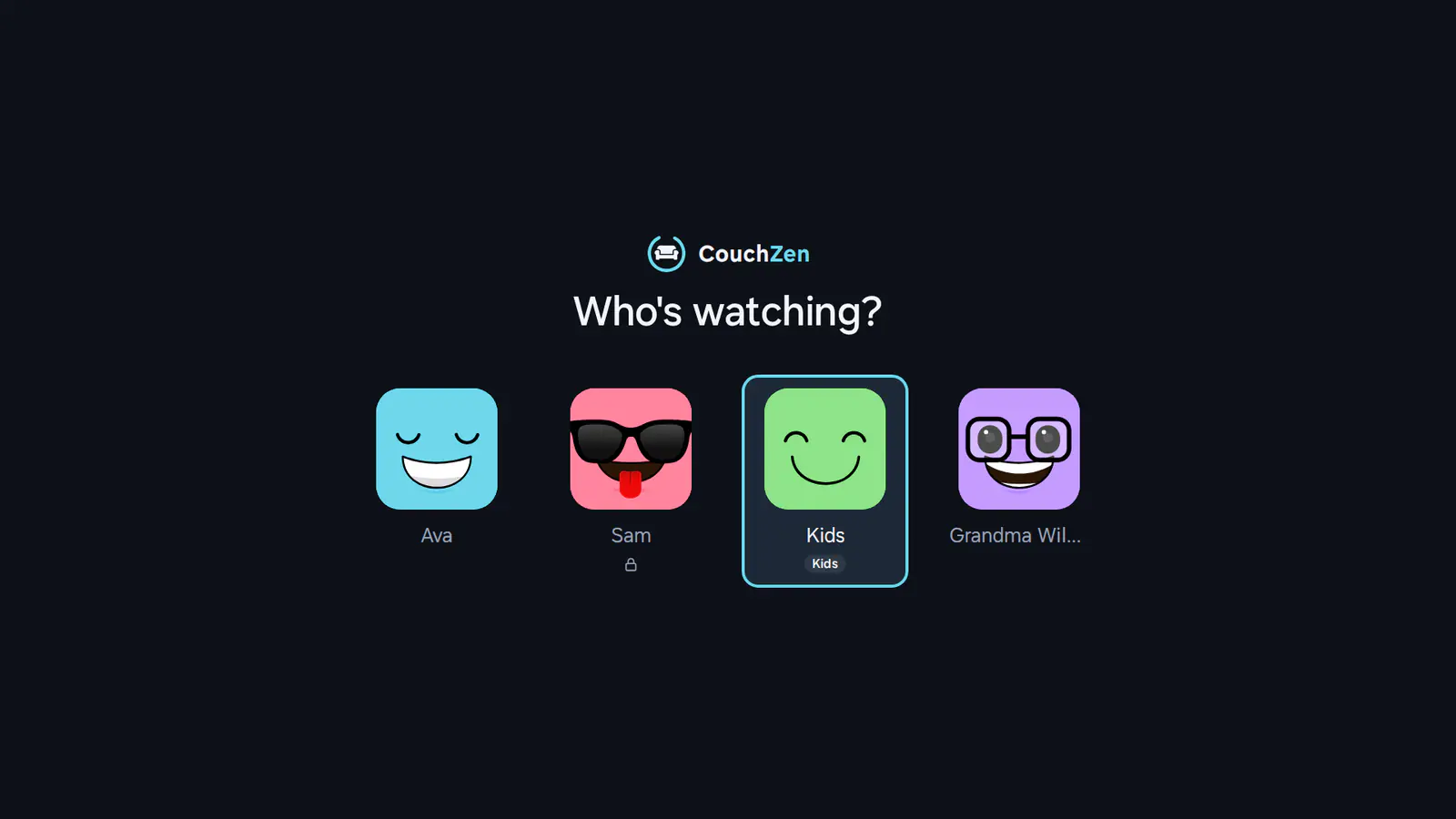
Each person keeps their own languages, lists and progress. A kids profile shows only films, series and channels made for children, and a PIN can lock any profile.
The small things that make an evening of television go smoothly.
Every channel's programmes on one calm grid, with pictures.
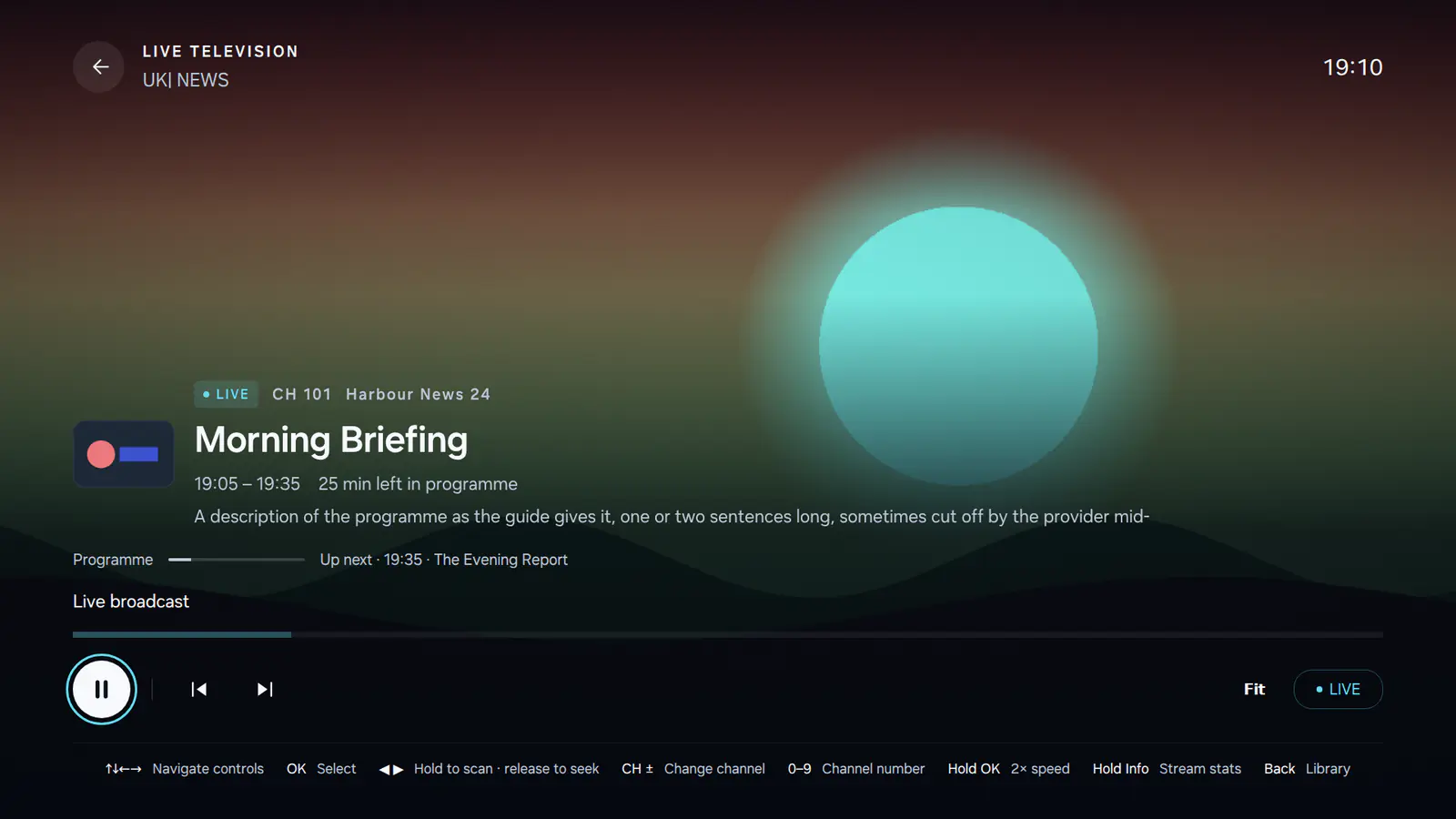
Replay what already aired, where your provider keeps it.
Step away and come back, up to an hour, on Apple TV and Android TV.
With two connections, the next channel is ready before you press.
Clutter cleaned up, logos added, channels grouped by country.
Quality and language chosen for you when a title comes in several copies.
Picture and sound at their best, where your TV and speakers support them.
Sound and subtitles in the languages you choose, in your order.
Size, style and position, kept per profile.
Learning a language? Read both.
The subtitles live channels send, shown as they should be.
Search for them online when a film arrives without.
Lips and voices out of step? Nudge the sound back in line.
Quieter explosions, clearer voices, sleeping neighbours.
One connection at a time, nothing streaming in the background.
The whole app speaks yours, from the first screen to the last setting.
English · Nederlands · Deutsch · Français · Español (España) · Español (Latinoamérica) · Català · Italiano · Português (Portugal) · Português (Brasil) · Polski · Türkçe · Svenska · Dansk · Norsk bokmål · Suomi · Eesti · Latviešu · Lietuvių · Čeština · Slovenčina · Hrvatski · Српски (ћирилица) · Srpski (latinica) · Slovenščina · Magyar · Română · Shqip · Ελληνικά · Русский · Українська · Български · 日本語 · 한국어 · 简体中文 · 繁體中文 · Tiếng Việt · Bahasa Indonesia · Bahasa Melayu · ไทย · हिन्दी · বাংলা · தமிழ் · తెలుగు
No. CouchZen is a player. It comes with no channels, films or subscriptions of its own: you sign in with a lawful IPTV service you already have.
Any service that gives you an Xtream Codes login (a server, username and password) or an M3U playlist address. If your playlist comes with an XMLTV guide address, add it for the TV guide.
Samsung, LG webOS, Android TV and Google TV, Fire TV and Apple TV. A few things depend on the TV: pausing live TV is on Apple TV and Android TV, and Dolby Vision appears where the TV can show it.
Your login is kept on your TV and used to talk to your provider. When you set up from your phone, what you type is encrypted end to end on its way to the TV; our relay passes it on without being able to read or keep it.
Yes. A kids profile shows only films, series and channels made for children, and any profile can be locked with a four-digit PIN.
CouchZen is in private beta and not in the app stores yet. Write to support@couchzen.com, tell us which TV you have, and we will let you know when there is room.
CouchZen is in private beta. Tell us which TV you have and we will be in touch.